Prerequisites
Before you start
You need a registered CompeFlow account.
Steps to create your league
- 1Log in to the web app (web.compeflow.com)
- 2Go to Create league from the menu or leagues page
- 3Fill in the required and optional fields (see boxes below)
- 4Save – Your league will be created and you can add events
📋
Required fields
- Name – Your league name
- Description – What your league is, what type of events you organize
- Type – Plaza, Escenario, Virtual or Other
- Location – Country, region and city
✨
Optional fields
- Logo – Image that identifies your league
- Social links – Instagram, Facebook, TikTok, website
After creating the league
Next steps
- Add organizers: Invite others as co-organizers of the league
- Create event: From your league page, click Create event
- Share: Share your league card so others can follow
Add more organizers
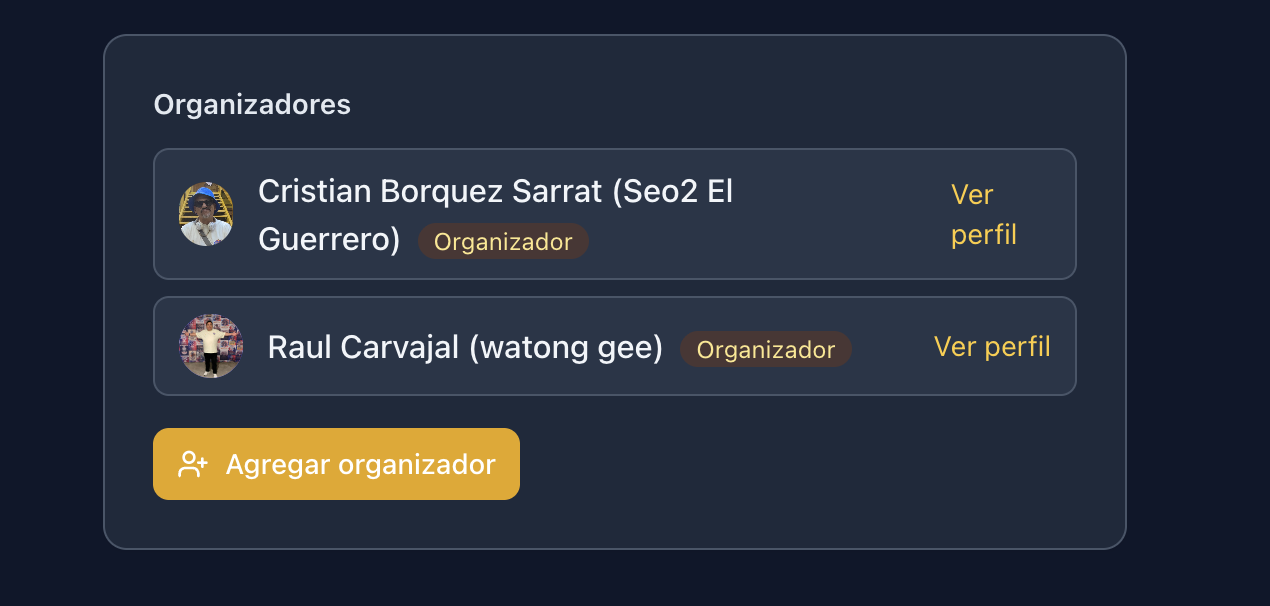
You can have multiple organizers in your league with the same permissions (create events, edit the league, manage staff). Only current organizers can add new ones. Users must have a CompeFlow account.
- 1Enter your league
- 2Click Edit league
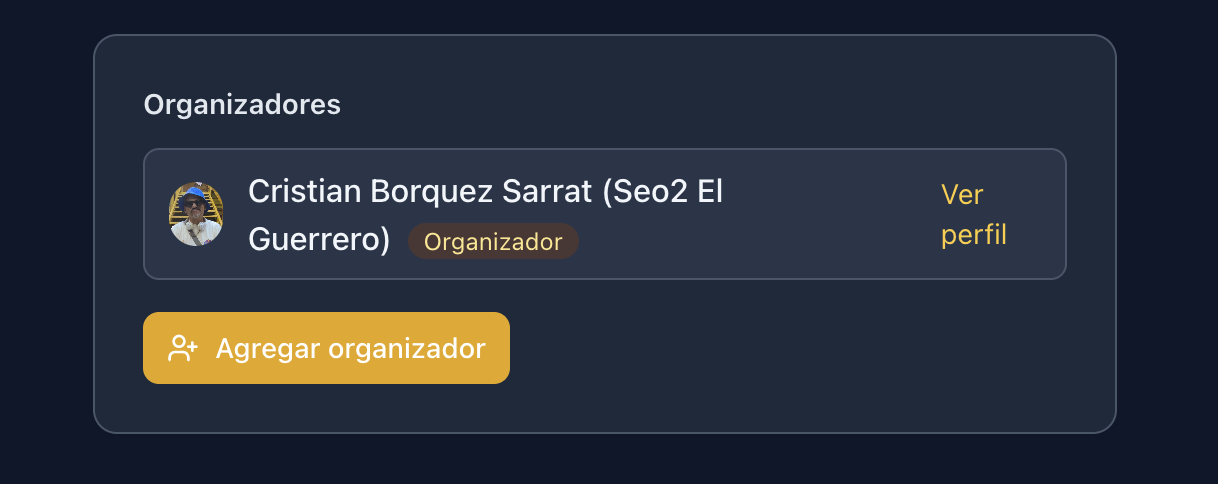
- 3In the edit form, scroll down to the Organizers section and click Add organizer
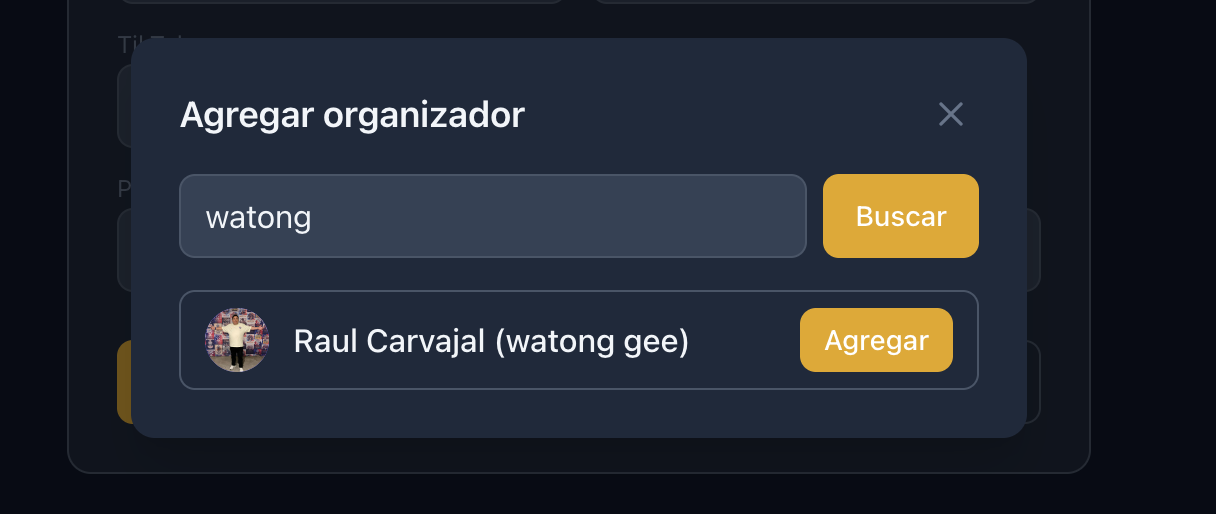
- 4A search window will appear. Enter the user's name and click Search
- 5When the user appears in the results, click Add
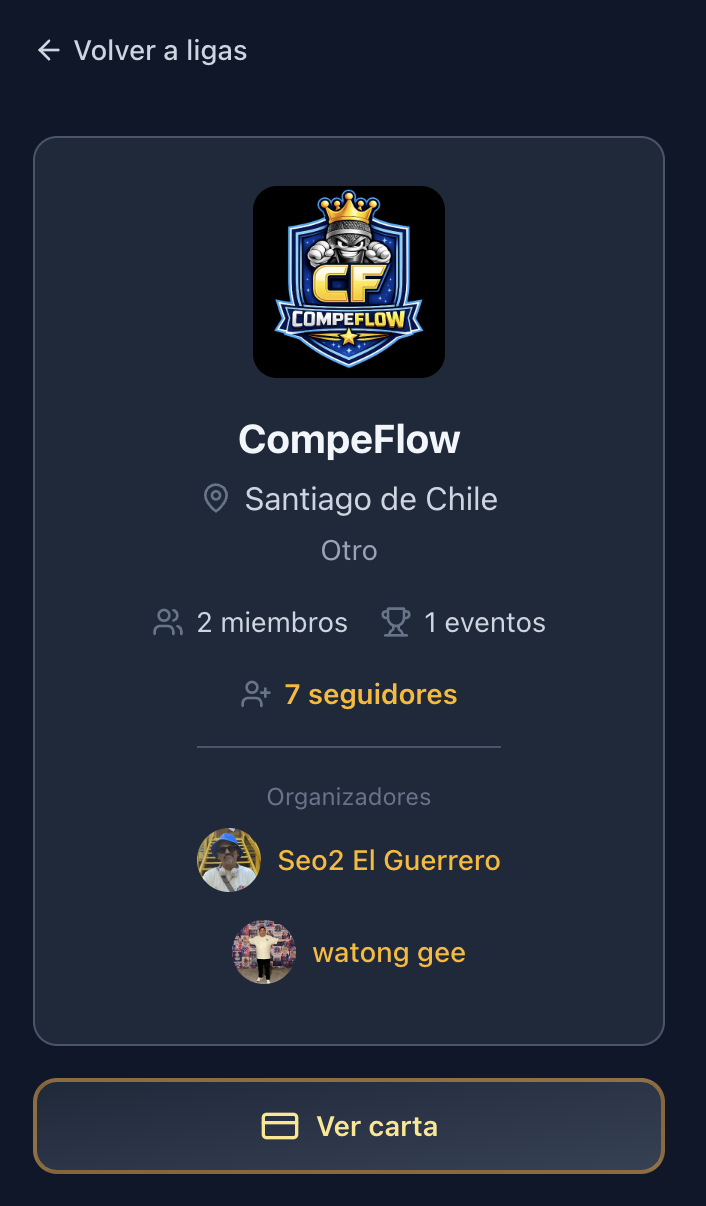
Organizers vs Staff
Organizers have full control of the league (edit, create events, add or remove staff). Staff (admins) help with specific events but do not manage the league itself.
Edit your league
- 1Enter your league
- 2Click Edit (if you have permissions)
- 3Modify the data and save
League types
- Plaza
- Events in plazas and public spaces
- Escenario
- Events on formal stages
- Virtual
- Online battles
- Other
- Mixed or custom formats